

How to Effectively Manage Time in Client Meetings
Discover how to effectively manage time during client meetings by creating a clear agenda and using a timer.
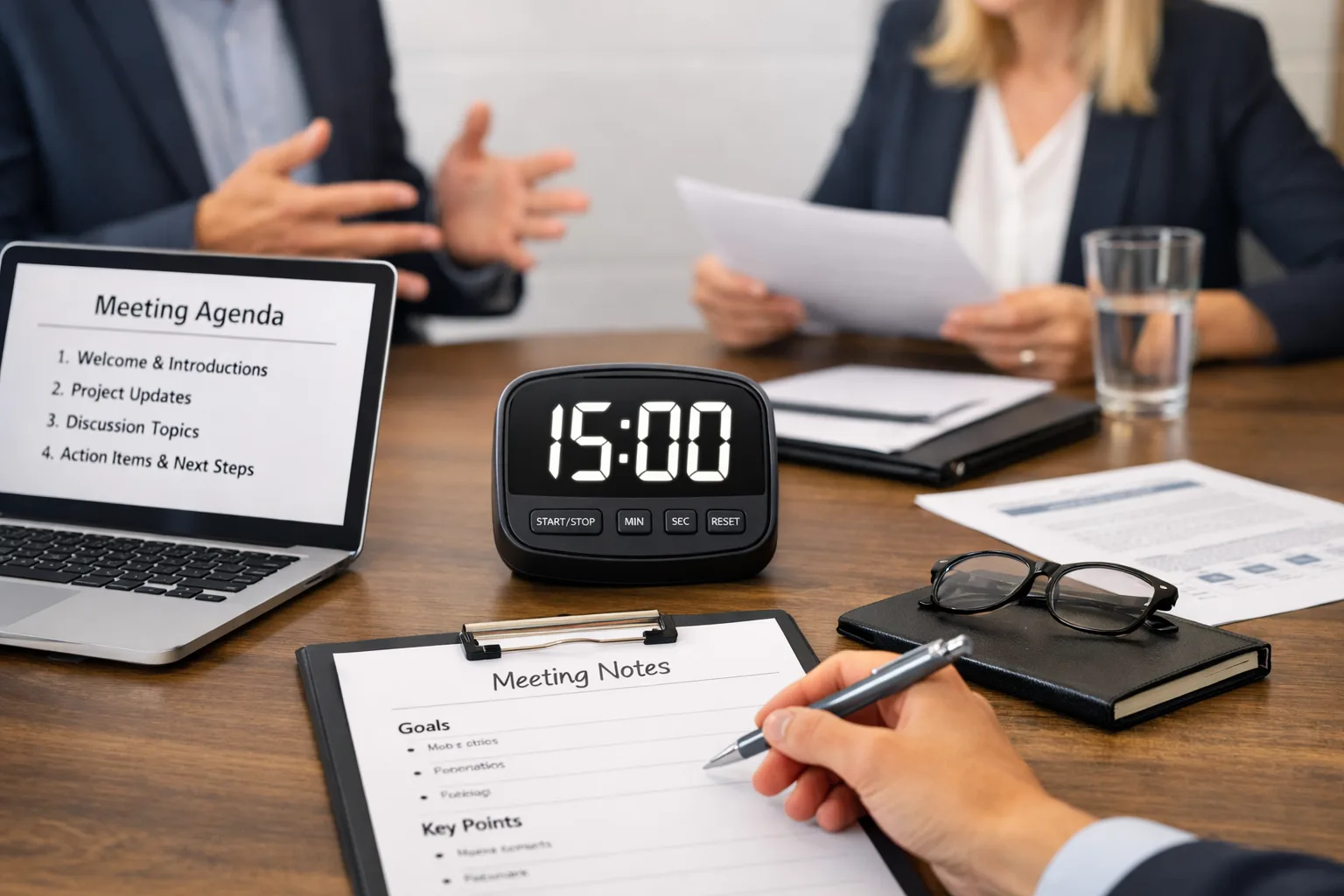
Managing time during client meetings is crucial for successful business operations. When you have a clear plan for organizing a meeting, it not only boosts your productivity but also enhances client interactions. In this article, we will explore several practical tips for effective time management in these meetings.
Effective time management enables you to: Preserve resources for both you and your client. Enhance meeting productivity.
Why is Time Management Important in Meetings?
Effective time management enables you to:
- Preserve resources for both you and your client.
- Enhance meeting productivity.
- Reduce stress and tension during communication.
By managing time in meetings, you not only show respect for your clients' time but also increase the likelihood of a successful meeting outcome. This is especially important in a competitive business environment where every minute counts. Moreover, effective time management can lead to better decision-making as discussions remain focused and concise, allowing for more comprehensive evaluations of the topics at hand.
How to Create a Clear Agenda?

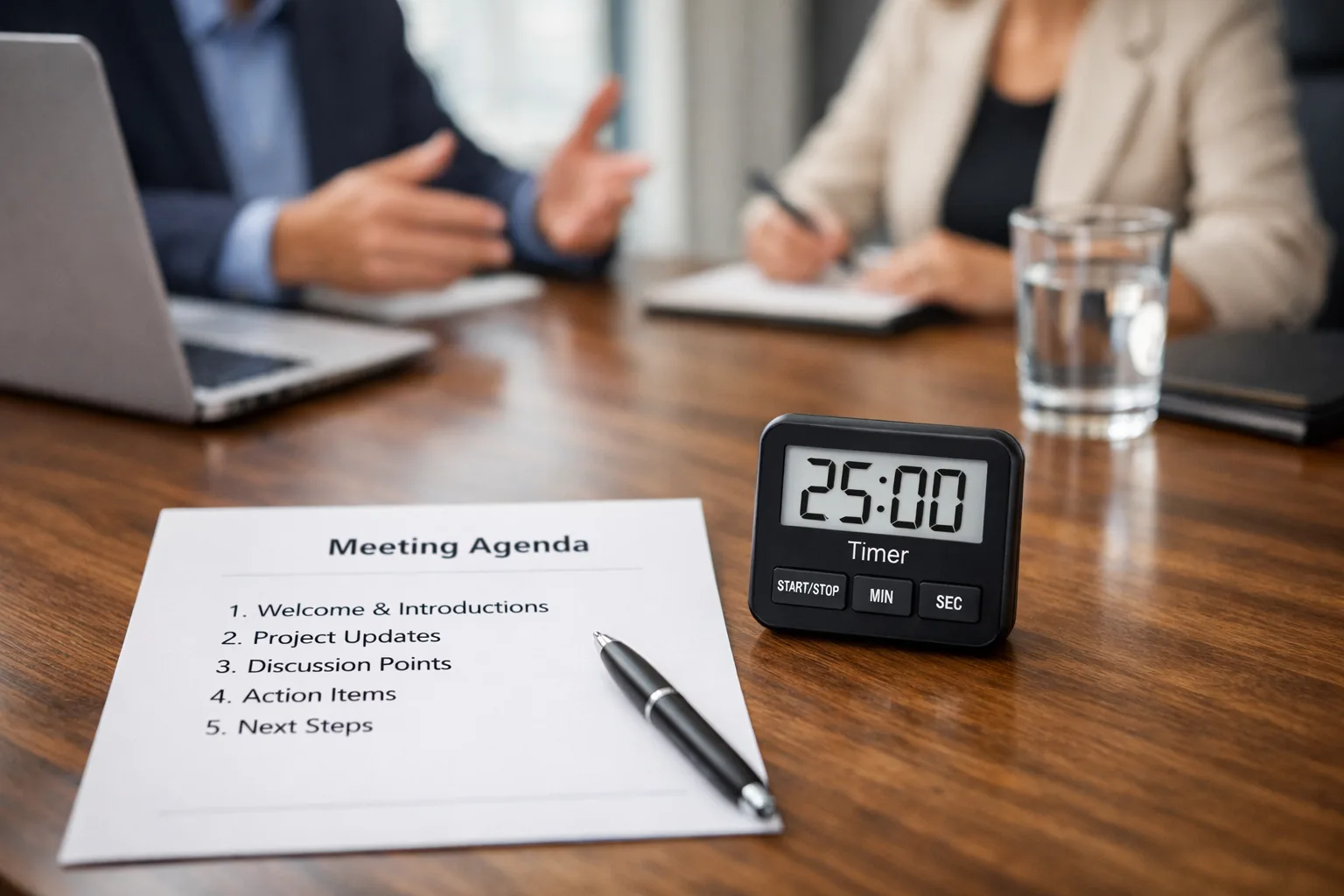
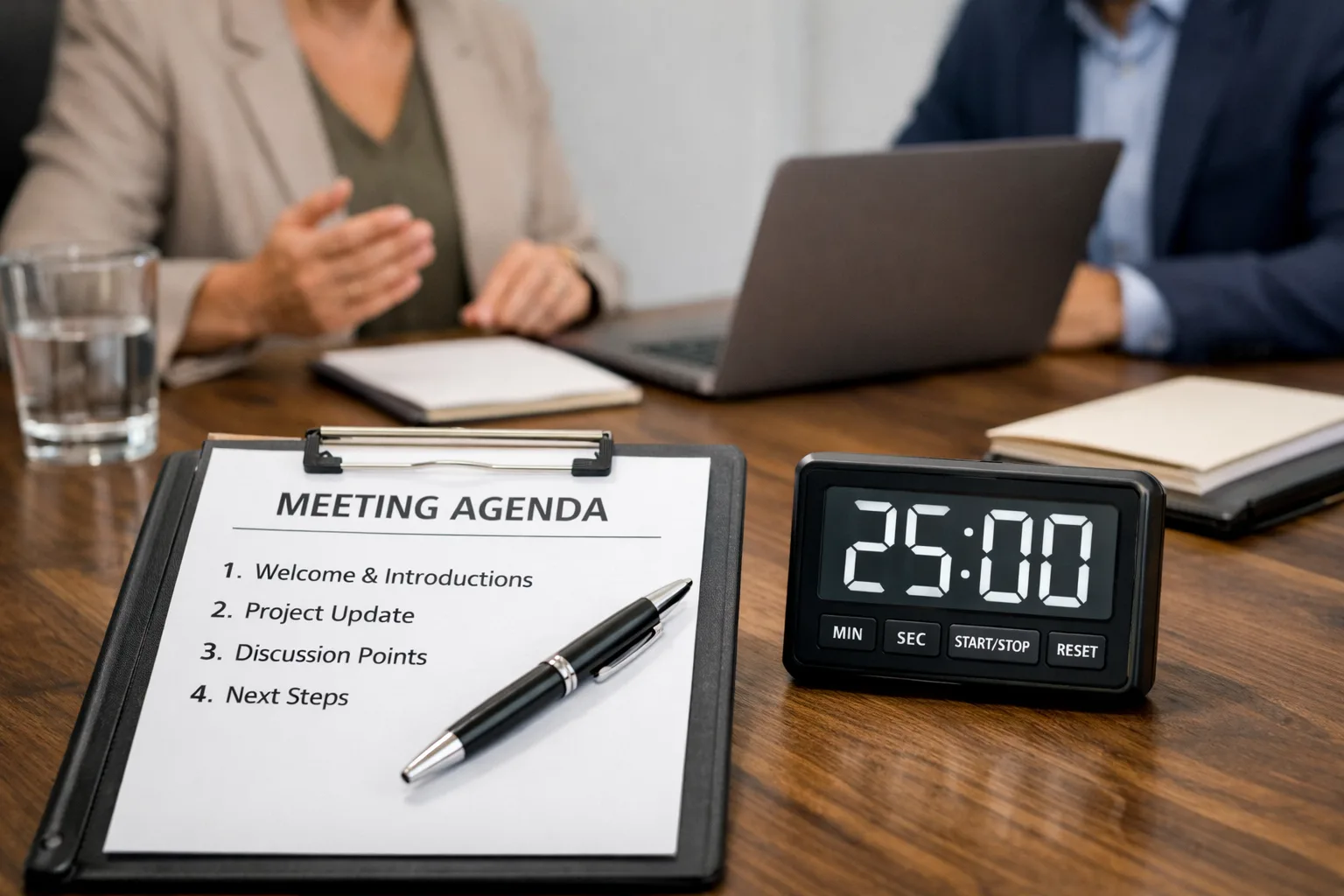
One of the key aspects of time management in meetings is developing a clear agenda. Here are some steps to help you:
- Define Meeting Goals: Clearly state what you aim to achieve in the meeting. Is it discussing new projects or resolving existing issues? For instance, if you're planning to discuss a new product, specify which aspects you want to cover—its functionality, pricing, or marketing strategy. Setting clear goals provides a roadmap that keeps everyone aligned and focused.
- Create a List of Topics: Write down all the topics that need discussion. This ensures you don't overlook important questions. Include not only main topics but also potential questions that may arise during the discussion. A comprehensive list allows participants to prepare adequately, leading to more productive interactions.
- Set Time Limits: Determine how much time you plan to allocate for each topic. This helps avoid delays. For example, if you have three main topics to discuss, assign a specific amount of time for each to ensure the meeting concludes on schedule. Adhering to these limits encourages concise communication and discourages off-topic conversations.
Using a Timer to Keep Track of Time
A timer can become your best ally during meetings. Here’s how to utilize it:
- Set the Timer: Configure the timer for the allotted time for each topic discussion. This could be a simple mobile app or even a standard kitchen timer—what matters is that you can easily monitor the time. Visual cues can also be helpful; consider using a clock visible to all participants.
- Stick to the Schedule: If you notice time running out, move on to the next topic. This helps you stay within the planned timeframe and avoid getting sidetracked by secondary issues. If necessary, remind participants of the time constraints to keep the discussion on track.
- Be Ready to Adjust: If one topic requires more time than anticipated, be prepared to make adjustments to the agenda. For example, if discussing the budget turns out to be more complex than expected, you may need to reduce time on less important topics. Flexibility is key to effective time management, as it allows for deeper exploration of critical issues without derailing the entire meeting.
Real-Life Examples
Let’s consider a few scenarios:
- Scenario 1: You have a meeting scheduled to discuss a new project with a client. Create an agenda that includes project overview, budget discussion, and timelines. Use a timer to keep track of time for each item. For instance, allocate 15 minutes for the project overview, 10 minutes for the budget, and 5 minutes for timelines. This structured approach ensures that all critical areas are covered without running over time.
- Scenario 2: During regular progress reports, use an agenda to discuss achievements and challenges. A timer will help keep you within the designated time. For example, allocate 20 minutes for achievements and 10 minutes for challenges. This not only maintains focus but also ensures that all relevant points are addressed efficiently.
Common Mistakes in Time Management
Many professionals make mistakes that lead to ineffective meetings. Here are some common pitfalls:
- Lack of an Agenda: Without a clear structure, meetings can easily spiral out of control. Participants may get distracted by secondary issues or completely forget the primary purpose of the meeting. An agenda is essential not only for organization but also for keeping participants engaged and accountable.
- Exceeding Time Limits: Failing to adhere to set timeframes risks spending too much time on less important matters. This can create a negative impression on clients and diminish their trust in you. Consistently running over time can also lead to frustration among participants, impacting future collaboration.
- Ignoring Participant Input: While time management is crucial, it's equally important to allow for participant input. Cutting off discussions too abruptly can lead to unresolved issues and dissatisfaction among clients. Striking a balance between managing time and fostering open dialogue is essential for productive meetings.
Practical Tips for Successful Meetings
Here are some additional tips:
- Invite Only Necessary Participants: This helps maintain focus and reduce time spent. If there are attendees who are not essential to the discussion, consider excluding them from the meeting. Fewer participants can lead to more streamlined communication and quicker decision-making.
- Hold Meetings in One Location: This minimizes time lost in transit. If you work with clients in different cities, consider conducting video meetings. Virtual meetings can save travel time and allow for greater flexibility in scheduling.
- Conclude Meetings with Summaries: Recap the discussed points and outline next steps. This helps all participants understand what was achieved and what actions need to be taken next. Summarizing also reinforces accountability, ensuring that everyone leaves with a clear understanding of their responsibilities.
- Follow Up Post-Meeting: Send out meeting notes and action items shortly after the meeting concludes. This reinforces commitments made during the meeting and provides a reference point for all participants. Follow-ups can also help clarify any misunderstandings that may have arisen during discussions.
Summary
Effective time management in client meetings requires creating a clear agenda and utilizing a timer to monitor time. By following these straightforward tips, you can enhance your meetings' productivity and improve client interactions. Remember, time is a valuable resource, and your ability to manage it can significantly impact your business success. Prioritizing efficient meetings not only fosters better relationships with clients but also positions your business as organized and professional in a competitive landscape.
When to seek professional help
Working with an expert becomes necessary when DIY approaches no longer yield results.
- you are spending too much time without visible progress
- the cost of a mistake is too high
- you need a personalized strategy
A qualified specialist will help you achieve your goals faster and avoid common pitfalls.
Specialist Profile
If the material is related to a specialist, a button to go to their public profile may be nearby.
Go to Profile